Unix Timestamp vs Datetime String in APIs — Which Should You Use?
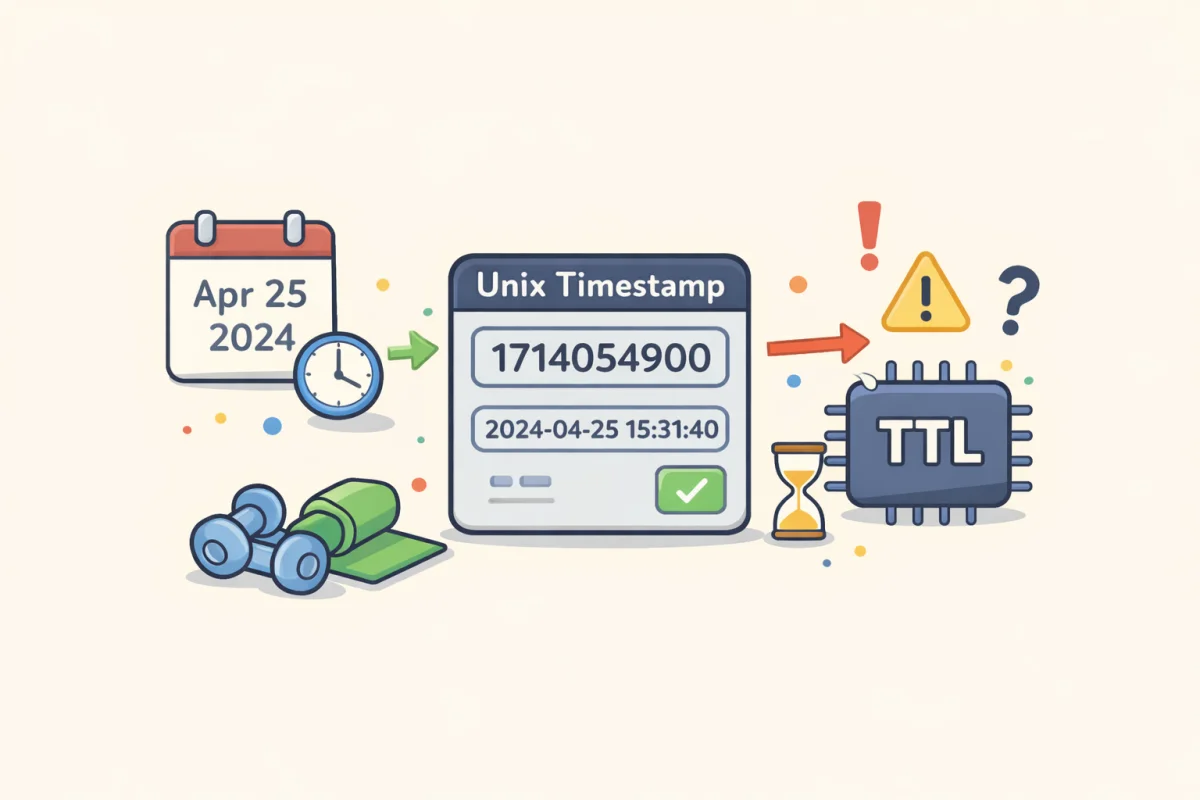
Every API that deals with time has to make a choice: represent dates and times as Unix timestamps (integers) or as formatted datetime strings (like ISO 8601). Both work. Both are widely used. But they behave differently, and the choice has downstream consequences for every client that consumes your API.
This article walks through the trade-offs so you can make an informed decision — or understand what you are working with when consuming an existing API.
For quick timestamp lookups and conversions, the Unix Timestamp Converter handles both formats.
What Each Format Looks Like
Unix timestamp (integer, seconds): ` 1712505600 `
Unix timestamp (integer, milliseconds): ` 1712505600000 `
ISO 8601 datetime string (UTC): ` 2024-04-07T16:00:00Z `
ISO 8601 datetime string (with timezone offset): ` 2024-04-07T12:00:00-04:00 `
RFC 2822 (common in email headers, older APIs): ` Sun, 07 Apr 2024 16:00:00 +0000 `
The Case for Unix Timestamps
No timezone ambiguity
A Unix timestamp is always UTC. There is no timezone component to interpret, no offset to parse, and no risk of misreading the timezone abbreviation. 1712505600 means exactly one moment in time, regardless of where the server or client is running.
This is the strongest argument for timestamps in backend-to-backend communication. Timezone handling is one of the most common sources of date-related bugs. Timestamps sidestep the problem entirely.
Simple arithmetic
Comparing two timestamps, calculating the difference between them, checking whether an expiry has passed, adding 24 hours — all of these are trivial integer operations.
// Has the token expired?
const isExpired = Date.now() / 1000 > tokenExp;

// Add 24 hours to a timestamp
const tomorrow = now + 86400;
With datetime strings, the same operations require parsing, timezone normalisation, and date library calls.
Compact and sortable
Timestamps are compact — 10 digits for seconds, 13 for milliseconds — and sort correctly as integers. Datetime strings sort correctly as strings only in ISO 8601 format (YYYY-MM-DD...). Other formats like "April 7, 2024" or "07/04/2024" do not sort correctly as strings without parsing.
Efficient storage
An integer takes 4 or 8 bytes in a database column. A datetime string in a VARCHAR column takes 20–30 bytes. For large tables with millions of rows, this difference matters.
The Case for Datetime Strings
Human-readable without conversion
When you inspect an API response in a browser, a log file, or a debugging tool, 2024-04-07T16:00:00Z tells you immediately what you are looking at. 1712505600 tells you nothing without converting it.
This is a real quality-of-life difference during development and debugging. If a created_at field shows 1712505600, you have to paste it into a converter to check whether it is correct. If it shows 2024-04-07T16:00:00Z, you know at a glance.
Local time representation
A datetime string can include a timezone offset: 2024-04-07T12:00:00-04:00. This is useful for events that are inherently tied to a local time — a meeting scheduled for 9 AM in New York, a business opening hours window, a flight departure.
A Unix timestamp can store this information, but the local time has to be reconstructed at display time using stored timezone metadata. Datetime strings can carry the offset directly.
Better interoperability with date libraries
Many frontend frameworks and date libraries parse ISO 8601 strings natively. JavaScript's new Date("2024-04-07T16:00:00Z") works directly. Python's datetime.fromisoformat() works directly. The developer experience is smoother.
Easier to validate
A datetime string has visible structure. If it is malformed, it is usually obvious. 2024-13-07T16:00:00Z has an invalid month; you can see that without running it through a converter. A Unix timestamp like 17125056000 (with an extra zero) is harder to spot as incorrect without knowing the expected range.
The Common Pitfalls
Seconds vs milliseconds confusion
Unix timestamps can be in seconds or milliseconds, and not all systems agree on which. JavaScript uses milliseconds (Date.now() returns a 13-digit number). Most server-side languages and databases use seconds (10-digit). If a JavaScript frontend sends a timestamp to a backend expecting seconds, the value is 1,000 times larger than expected — resulting in dates in the year 55,000.
The fix: be explicit in your API documentation about which unit is used. The Unix Timestamp Converter detects which format a value is in based on its digit count, which is useful for quick debugging.
Naive datetime strings (missing timezone)
A datetime string without a timezone indicator — 2024-04-07 16:00:00 — is ambiguous. Is that UTC? Server local time? The user's local time? Different libraries handle this differently, and the behaviour is often surprising.
Always use timezone-aware datetime strings in API responses. 2024-04-07T16:00:00Z (UTC) or 2024-04-07T12:00:00-04:00 (explicit offset) — never bare local time without a qualifier.
Parsing inconsistencies across languages
ISO 8601 is a standard, but not all implementations parse all valid ISO 8601 variants correctly. The microseconds variant (2024-04-07T16:00:00.123456Z) is valid ISO 8601 but is not supported by all parsers. The T separator can sometimes be replaced with a space (2024-04-07 16:00:00Z) — valid in SQL but not in strict ISO 8601 parsers.
If you use datetime strings, test that your format parses correctly in every language and library your clients use.
What Most Production APIs Actually Do
The dominant convention in modern REST APIs is ISO 8601 datetime strings in UTC for human-facing fields (created_at, updated_at, published_at) and Unix timestamps in seconds for authentication and security fields (exp, iat, nbf in JWTs, token expiry).
This combination makes sense: human-facing timestamps benefit from readability; security timestamps benefit from compact integer arithmetic and no parsing overhead.
GitHub's API uses ISO 8601 strings. Stripe uses Unix timestamps. Twilio uses ISO 8601. Twitter/X uses Unix milliseconds. There is no universal standard across the industry — you will encounter both.
A Simple Decision Framework
Use Unix timestamps when:
- You are storing or transmitting timestamps primarily for computation (sorting, arithmetic, expiry checks)
- You are working in a backend-to-backend context where human readability is less important
- You need compact storage and simple comparison
- You want to avoid timezone handling entirely
Use ISO 8601 datetime strings when:
- The timestamp will be read by developers debugging API responses
- The time is tied to a specific timezone or local context
- You are building a public API where developer experience matters
- You need to represent times with sub-second precision reliably
Whichever you choose, document it clearly: the unit (seconds or milliseconds for timestamps), the timezone (always UTC for timestamps; include offset for strings), and the format (ISO 8601 variant for strings). Ambiguity in time representation is a reliable source of hard-to-diagnose bugs.