Unix Timestamps in Event Sourcing and Audit Logs
Event sourcing and audit logging both rely on one fundamental requirement: every event must have an accurate, comparable timestamp that can be trusted for ordering. Unix timestamps are the standard tool for this — but they come with enough edge cases that getting them wrong causes real problems.
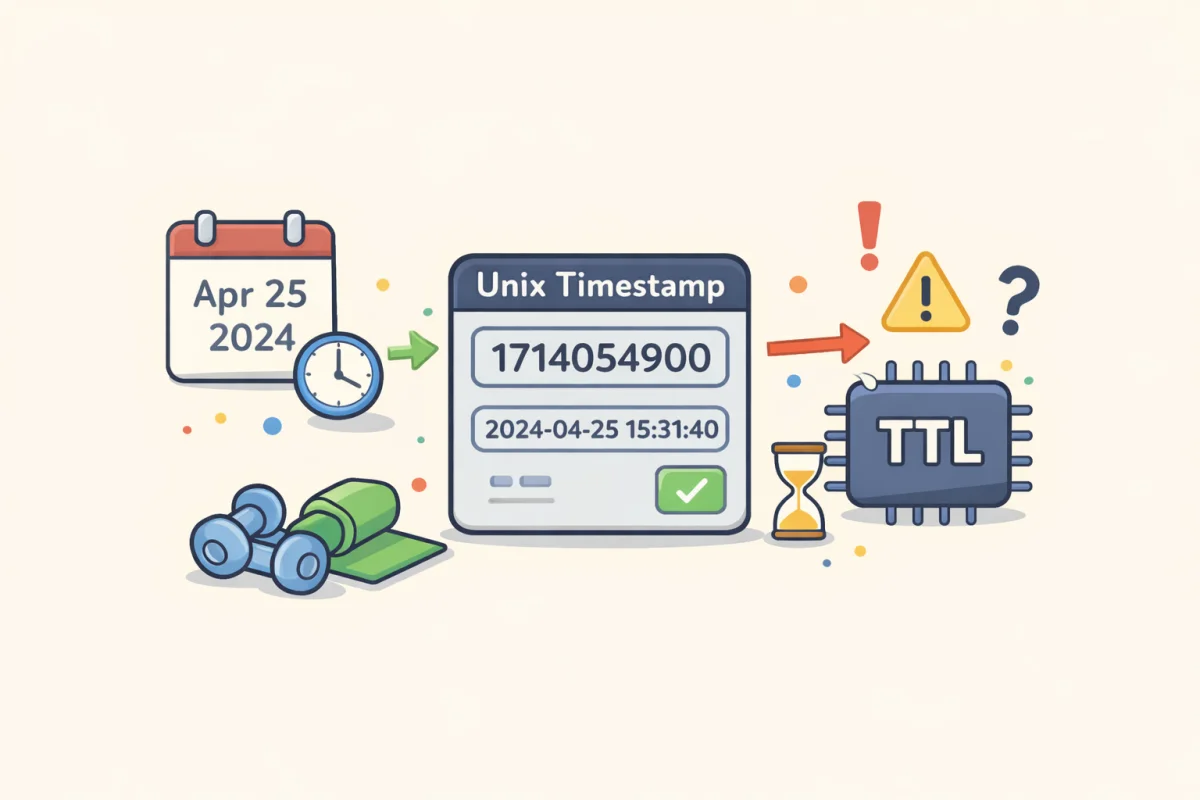
Use the Unix Timestamp Converter to convert any timestamp to a readable date or verify a timestamp in your logs. This article focuses on the patterns and pitfalls specific to event sourcing and audit log systems.
Why Unix Timestamps Work Well for Event Systems
An event store or audit log is essentially a sequence of facts: "user X did Y at time T." The timestamp T needs to be:
- Unambiguous: No timezone interpretation, no locale-specific formatting
- Comparable: You need to sort events in order and ask "which happened first?"
- Compact: Storing a 10-digit integer is cheaper than a full datetime string
- Arithmetic-friendly: "Show all events in the last 24 hours" is
WHERE ts > (now - 86400), not a string parsing operation
Unix timestamps satisfy all four. They're the number of seconds (or milliseconds) since January 1, 1970 UTC — a single integer that any system can compare, sort, and compute with.
In contrast, storing timestamps as formatted strings introduces parsing overhead, timezone ambiguity, and locale-dependent behavior. An ISO 8601 string like 2026-04-08T14:30:00+02:00 requires parsing before comparison; a Unix timestamp requires none.
Seconds vs Milliseconds: Pick One and Be Consistent
The most common Unix timestamp bug in event systems is mixing seconds and milliseconds. Python's time.time() returns seconds. JavaScript's Date.now() returns milliseconds. PostgreSQL's EXTRACT(EPOCH FROM NOW()) returns seconds with fractional precision. MySQL's UNIX_TIMESTAMP() returns seconds.
If your event producer is a Node.js service and your consumer is a Python service, and neither explicitly converts, events may arrive with timestamps off by a factor of 1,000. A millisecond timestamp stored where a seconds timestamp is expected makes the event appear to have occurred in 2001. A seconds timestamp stored where milliseconds are expected makes the event appear to be from 1970.
The practical rule: decide at the architecture level whether your event system uses seconds or milliseconds, document it explicitly, and enforce it at every producer. A helper that standardizes the output — toUnixSeconds() or toUnixMs() — is worth writing once and using everywhere.
For most audit log and event sourcing use cases, milliseconds are the better choice. Events within the same second are common (multiple clicks, multiple state transitions), and millisecond precision gives you enough resolution to order them correctly without requiring nanosecond complexity.
Event Ordering: When Timestamps Are Not Enough
Unix timestamps tell you when an event was recorded by the producing system. In a distributed system, this creates a problem: two events that happen "at the same time" on two different servers may have timestamps that differ by several milliseconds — not because the events happened at different times, but because the server clocks are slightly out of sync.
This is the fundamental problem with using wall-clock timestamps as the sole ordering mechanism in distributed event systems.
Clock skew — the difference between two servers' clocks — can be milliseconds or even seconds on systems without rigorous NTP synchronization. A consumer ordering events by timestamp may get the wrong order when events come from multiple producers with skewed clocks.
Clock drift is worse: a server clock that runs slightly fast or slow will gradually diverge from true time. An NTP sync corrects this periodically, but correction itself can cause a sudden timestamp jump — forward or backward — which creates a brief window where event timestamps may be non-monotonic.
Leap seconds are occasional 1-second insertions into UTC to account for Earth's variable rotation. Unix timestamps don't represent leap seconds — the Unix time scale simply repeats the last second, meaning some seconds in Unix time are 2 seconds long in wall-clock time. Most systems handle this transparently, but audit systems that compare Unix timestamps across a leap second boundary may see unexpected ordering.
Solutions for Reliable Event Ordering
Logical clocks / vector clocks: Rather than relying solely on wall-clock time, use a logical counter that increments with each event. Lamport timestamps and vector clocks capture causal ordering — "event A happened before event B" — without depending on synchronized clocks.
Sequence numbers within a partition: Kafka and similar event streaming systems assign monotonically increasing sequence numbers within a partition. Within one partition, sequence number is a reliable ordering mechanism. Across partitions, you need additional logic.
Hybrid Logical Clocks (HLCs): A combination of wall-clock time and logical counters. The timestamp increases monotonically, stays close to real time, and handles clock skew by advancing the logical component when a received timestamp is ahead of the local clock.
For most audit log systems where strict causal ordering across distributed nodes isn't required, recording a millisecond Unix timestamp plus a server identifier is sufficient. The server ID disambiguates events with identical timestamps, and the timestamp is close enough to real time for practical audit purposes.
Storing Timestamps in Event Stores
Integer column type: Store Unix timestamps as BIGINT (8-byte integer) in relational databases. INT (4-byte) is insufficient for millisecond timestamps and will overflow before 2038 even for second-precision timestamps. BIGINT handles millisecond timestamps through the year 292,471,208.
Indexing: Timestamp columns in event tables should almost always be indexed. The most common query patterns — "events after time T," "events in range T1 to T2," "latest N events" — all benefit from a B-tree index on the timestamp column.
Partitioning: High-volume event tables benefit from time-based partitioning (partition by month or week). This keeps index sizes manageable and allows old partitions to be archived or deleted without affecting the main table structure.
Immutability: Events in an event store should be immutable — once written, the timestamp should never be updated. If you need to correct a timestamp (which should be rare), create a compensating event rather than modifying the original.
Audit Log Timestamps: What to Capture
A good audit log entry captures at minimum:
event_time: Unix timestamp (milliseconds) of when the event occurredrecorded_time: Unix timestamp of when the event was written to the log (may differ from event_time if events are batched or delayed)actor_id: Who performed the actionaction: What was doneresource_id: What was affectedsource_iporsession_id: Where the action came from (for security audit trails)
The distinction between event_time and recorded_time matters in systems with buffering, batching, or async processing. If an event is recorded 500ms after it occurred, that gap is relevant when correlating audit events with other system logs.
Both timestamps should be stored as Unix millisecond integers. When displaying to users, convert to the user's local timezone — but store and query in UTC integers.
Converting Audit Timestamps for Human Review
Raw Unix timestamps in audit logs are not human-readable. When reviewing logs — in an incident investigation, a compliance audit, or a security review — you need to convert timestamps to local time for the context in question.
The Unix Timestamp Converter handles this quickly for individual timestamps. For log analysis at scale, most log management tools (Splunk, Datadog, Elastic) automatically convert Unix timestamps to human-readable format in their query interfaces.
One practical note: always record which timezone you're using when documenting converted timestamps in incident reports or audit findings. "The event occurred at 14:32:07" is ambiguous; "14:32:07 UTC (Unix timestamp 1744123927)" is unambiguous and reproducible.
Common Bugs in Timestamp-Heavy Event Systems
Storing timestamps as strings: Timestamps stored as VARCHAR can't be efficiently indexed or range-queried. They also invite format inconsistency across producers.
Using local time instead of UTC: An event producer that records localtime() rather than UTC creates timestamps that are timezone-dependent. During daylight saving transitions, you'll get ambiguous or duplicated timestamps (two different events at "02:30:00" during the fall-back transition).
Truncating to second precision when events happen in bursts: If 50 events happen within one second and all get the same timestamp, ordering within that second is lost. Use millisecond precision for any system where sub-second event ordering matters.
Not accounting for event processing delay: A message queued at T=1000, dequeued at T=1500, and processed at T=2000 has three different timestamps. Which one you record determines what the audit log says "happened." For most purposes, record when the event actually occurred (T=1000), not when it was processed.
Accepting client-provided timestamps without validation: If a client sends event_time in their request payload, validate that it's within a reasonable window of the server's current time (e.g., ±5 minutes). Accepting arbitrary client timestamps allows events to be backdated or antedated, which breaks audit integrity.