Unix Timestamps in Security and Authentication — Token Expiry, Sessions, and Rate Limiting
Time is a security primitive. Token expiry, session timeouts, rate limiting windows, and replay attack prevention all depend on accurate time measurement — and in modern systems, that measurement almost always uses Unix timestamps.
Understanding how Unix timestamps work in security contexts helps you debug authentication failures, design session systems correctly, and avoid common vulnerabilities that arise from timestamp handling mistakes.
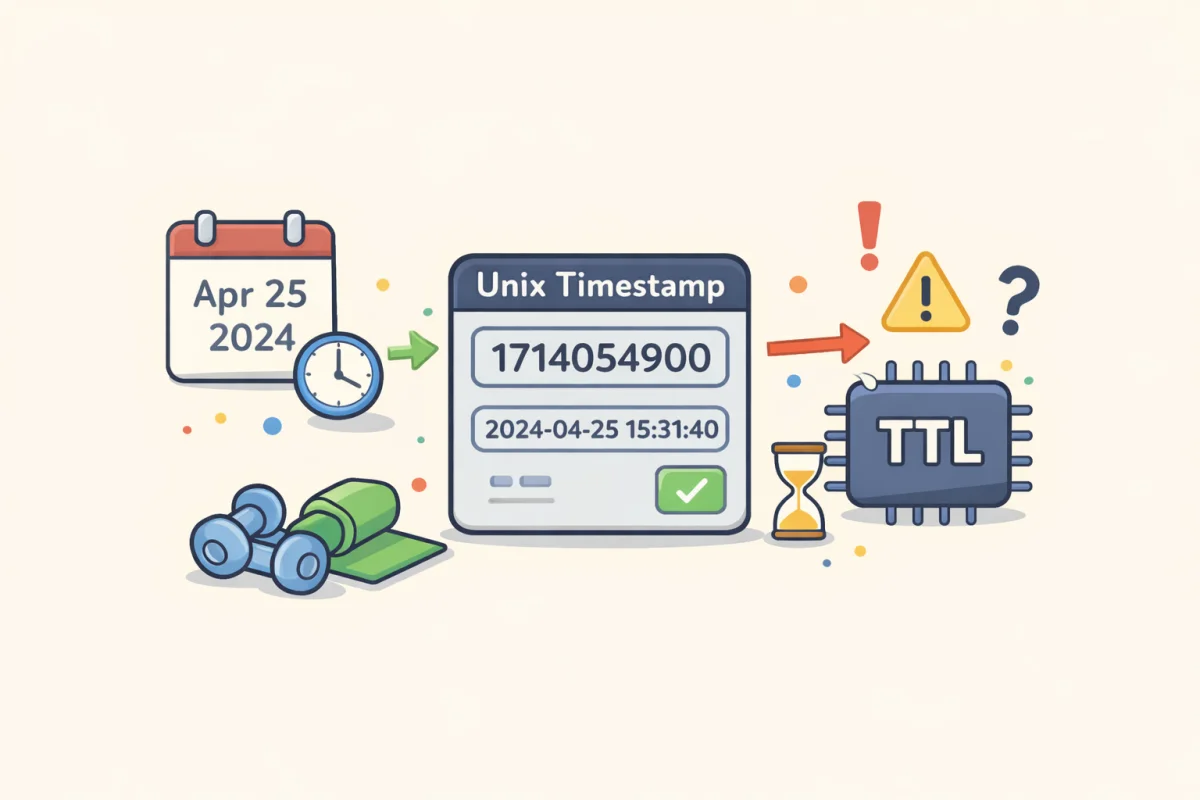
Use the Unix Timestamp Converter to inspect specific timestamp values and convert them to human-readable dates.
What Makes Unix Timestamps Good for Security
A Unix timestamp is a single integer representing seconds elapsed since January 1, 1970 UTC. This simple representation has several security-relevant properties:
Timezone-agnostic. A timestamp of 1720000000 means the same moment everywhere on Earth, regardless of local timezone. A formatted datetime string like "2024-07-03 14:00:00" is ambiguous — 14:00 in which timezone? Unix timestamps eliminate this ambiguity entirely. Security checks that compare timestamps across systems in different timezones can't drift due to timezone interpretation differences.
Easy arithmetic. Checking whether a token issued at time iat has expired by a 1-hour window is: current_timestamp > iat + 3600. No calendar math, no datetime parsing, no daylight saving adjustment. The arithmetic is exact and fast.
Compact storage. A 32-bit or 64-bit integer is much smaller than a formatted datetime string. For systems that generate and store millions of tokens, sessions, or log entries, this matters.
JWT Token Expiry: iat, exp, and nbf Claims
JSON Web Tokens (JWTs) use Unix timestamps for their time-related claims:
iat(issued at): The Unix timestamp when the token was created. Used to measure token age and detect tokens created far in the past.exp(expiration time): The Unix timestamp after which the token must not be accepted. The validating server checkscurrent_time > exp— if true, the token is expired and rejected.nbf(not before): The Unix timestamp before which the token must not be accepted. Less commonly used, but useful for tokens that are pre-generated and should only become valid at a specific future time.
A typical JWT payload looks like this:
{
  "sub": "user_12345",
  "iat": 1720000000,
  "exp": 1720086400,
  "nbf": 1720000000
}
In this example, exp - iat = 86400, meaning the token is valid for exactly 24 hours (86,400 seconds).
Common mistake: setting expiry in milliseconds. Because JavaScript's Date.now() returns milliseconds, developers sometimes calculate exp as Date.now() + 86400000 (adding milliseconds to a millisecond timestamp). If the JWT library expects seconds, this creates a token with an expiry 1,000 years in the future rather than 24 hours. Always divide by 1,000 when working in JavaScript: Math.floor(Date.now() / 1000) + 86400.
To inspect a JWT's expiry timestamp: decode the base64 payload and look at exp. Paste the timestamp into the Unix Timestamp Converter to see the human-readable expiry time.
Session Timeouts and Sliding Windows
Web application sessions use timestamps to implement two types of timeout:
Absolute timeout: The session expires at a fixed time after creation, regardless of activity. Implementation: store created_at unix timestamp when the session is created. On each request, check current_time - created_at > max_session_seconds. If true, invalidate the session and require re-login.
Sliding timeout (idle timeout): The session expires after a period of inactivity. Each request extends the window. Implementation: store last_active unix timestamp, updated on each request. Check current_time - last_active > idle_timeout_seconds. If true, the session has been idle too long and is expired.
Most applications need both: a sliding window for convenience (no logout during active use) and an absolute maximum (no session stays valid indefinitely even with continuous activity). A typical combination: 30-minute idle timeout, 8-hour absolute maximum.
The implementation: `python if current_time - session["last_active"] > 1800: # 30 min idle invalidate_session() if current_time - session["created_at"] > 28800: # 8 hr absolute invalidate_session() session["last_active"] = current_time `
Rate Limiting Windows
Rate limiting typically operates in fixed time windows measured in seconds. Common implementations:
Fixed window: Allow N requests per window. A window is a period like "per minute" or "per hour," defined as a Unix timestamp range. The window for the current minute is floor(current_time / 60) * 60 to that value plus 60. When a request comes in, increment a counter keyed to the current window timestamp. If counter > N, reject.
Sliding window: More accurate than fixed window. Track the timestamp of each request in the last N seconds. On each new request, count how many stored timestamps fall within current_time - window_seconds to current_time. If count >= limit, reject; otherwise record the new timestamp.
The sliding window prevents the boundary issue with fixed windows (a user could make N requests at 11:59 and N requests at 12:00, getting 2N requests in two consecutive minutes).
For distributed systems with multiple servers, rate limiting requires a shared store (Redis is common). The counter or timestamp list is stored with a TTL matching the window, so it auto-expires. The key is usually ratelimit:{user_id}:{window_start_timestamp}.
Replay Attack Prevention with Timestamps
A replay attack is when an attacker intercepts a valid request and retransmits it to cause the same action to occur again. Timestamps are used to make this harder.
Timestamp-based nonce: Include the current Unix timestamp in the request signature. The receiving server checks that the timestamp is within an acceptable window (e.g., ±5 minutes from the server's current time). Requests with timestamps outside the window are rejected, even if the signature is valid. This limits the replay window to 5 minutes — not perfect, but it prevents indefinite replay attacks.
The limitation: a 5-minute window still allows some replay. To eliminate replay entirely, you need to also store and check that the specific timestamp+nonce combination hasn't been used before (usually in a short-lived cache with TTL equal to the replay window).
TOTP (Time-based One-Time Passwords): Applications like Google Authenticator use Unix timestamps to generate time-based codes. The current 30-second window (floor(current_time / 30)) is used as input to an HMAC function along with a shared secret. The code changes every 30 seconds, making replay attacks outside that window impossible.
Clock Skew and Time Synchronization
Unix timestamp-based security only works if clocks are synchronized. If a client clock is 10 minutes ahead of the server, the client generates a JWT exp that the server thinks is already in the future — or a token with nbf that hasn't become valid on the client yet.
In practice:
- Servers should use NTP (Network Time Protocol) to keep clocks synchronized to within milliseconds
- JWT validators should allow small clock skew tolerances (1–5 minutes) when checking
expandnbf - Don't trust client-supplied timestamps for security decisions — always use server-side timestamps for
iat,exp, and audit records
The Unix Timestamp Converter shows the current timestamp as seen by your browser. If you're debugging a mismatch, compare this to date +%s on the server to check for clock drift.
HMAC Signatures and Timestamp-Keyed Requests
Many webhook systems and API authentication schemes (AWS Signature Version 4, Stripe webhook verification, Shopify webhooks) include the current timestamp in the signed content. The signature covers both the payload and the timestamp, and the receiver validates that:
1. The signature matches (payload + timestamp haven't been tampered with) 2. The timestamp is within an acceptable window (request isn't stale or a replay)
AWS SigV4 uses a date format (YYYYMMDDTHHMMSSZ) rather than a Unix timestamp, but the underlying logic is the same — time is part of what's signed, and the receiver rejects requests with timestamps outside a 15-minute window.
When debugging webhook signature failures, one common cause is a stale timestamp — the webhook sender's clock is off, or there's a significant delay in delivery (message queues, retries) that pushes the timestamp outside the acceptable window.
Debugging Timestamp-Related Auth Failures
The most common auth failures related to timestamps:
1. Token expired: Check exp by decoding the JWT and converting exp to a date. The Unix Timestamp Converter does this in one step. 2. Token not yet valid: nbf is in the future. Check whether the token was generated with a future start time. 3. Clock skew: Server and client clocks are out of sync by more than the tolerance window. Check both clocks against a reference. 4. Milliseconds vs seconds: A 13-digit timestamp passed where a 10-digit timestamp is expected, or vice versa. A token with exp: 1720086400000 (milliseconds) will never expire — it represents a date in 56,000 years. 5. Timezone confusion in logging: Log entries show a timestamp that seems off because logs use local time but the timestamp comparison uses UTC. Unix timestamps are always UTC; format them explicitly when displaying.