
Free Room Planner Tools
Free online room planning tools. Design your room layout, drag and drop furniture, and visualise your space with no account required.
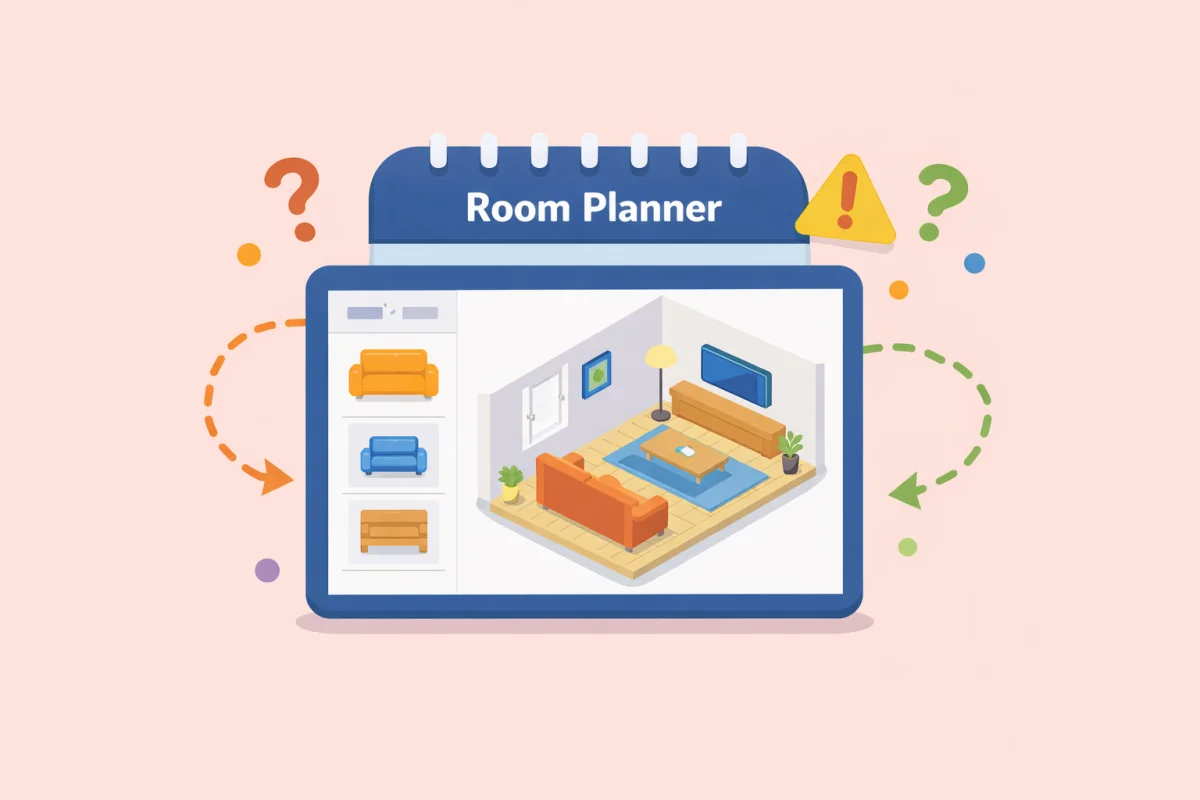
A free online room layout planner — draw your room to scale, drop in furniture from a built-in catalogue, and arrange everything until the layout works. No download, no account, no subscription. Set your room dimensions in metres, choose a floor material, and drag sofas, beds, tables, wardrobes, and more into position. Export or print when you're done.
Planning a room layout on screen before touching a single piece of furniture saves hours of effort and prevents the most common mistake in interior design: moving a sofa into a room and realising it blocks the door.
How the room planner works
Setting up your room
Enter your room's width and depth in metres. The canvas scales automatically so you're always working true to size — a 5 × 4 m living room looks like a 5 × 4 m living room, not an approximation. Measurements can be adjusted at any time, so you can start with an estimate and refine as you go.
Choose a floor material — hardwood or terrazzo — to give the canvas a realistic base that helps you visualise contrast between the floor and your furniture pieces.
Placing and arranging furniture
The furniture palette is organised into six categories: Seating, Tables, Bedroom, Storage, Decor, and Bathroom. Click any item to activate it, then click on the canvas to place it. Drag to reposition. Rotate pieces to try different orientations. The planner prevents overlapping placements, so you always get an accurate picture of what fits and what doesn't.
The full catalogue includes:
- Seating: 3-seat sofa, 2-seat sofa, armchair, chair
- Tables: dining table, desk, coffee table, side table
- Bedroom: double bed, single bed, nightstand
- Storage: wardrobe, bookshelf, dresser, TV unit
- Decor: plant, large plant, floor lamp, rug
- Bathroom: bathtub, toilet, sink
Use the undo button to step back through recent changes without starting over. The zoom controls let you work on a large room without losing detail, or zoom into a tight corner to check clearances precisely.
Exporting your layout
When the layout is ready, export it as an image or print it directly. A printed floor plan is useful for sharing with a partner, housemate, removal company, or furniture retailer — anyone who needs to understand the plan without access to a screen.
Room-by-room planning guide
Living room layout
The living room is usually the hardest room to arrange because it has the most competing demands: seating for multiple people, a focal point (usually a TV or fireplace), traffic flow between rooms, and enough open space that the room doesn't feel cramped.
The most common mistake is pushing all the furniture against the walls. This creates a large dead zone in the centre and forces people sitting opposite each other to shout across the room. A better approach is to anchor seating around a central rug, with the sofa roughly 45–90 cm from the TV wall and chairs angled in to close the conversation circle.
Standard clearances for living rooms: at least 90 cm of walking space between the sofa and coffee table, and at least 45 cm between the coffee table and the TV unit. A 3-seat sofa is typically 200–220 cm wide; in a room under 3.5 m wide, that leaves very little margin for side tables or lamps on both ends.
Bedroom layout
The bed dominates the bedroom, which means getting its position right determines everything else. The most functional placement is against the wall opposite the door — this gives a clear sightline on entering and leaves both sides of the bed accessible. Avoid placing the bed under a window if possible; it creates problems with light, draughts, and curtain clearance.
Standard clearances: at least 60 cm on each side of a double bed for getting in and out comfortably, and at least 90 cm at the foot of the bed if there's a wardrobe or dresser opposite. A double bed is typically 135–160 cm wide and 190–200 cm long. In a 3 × 3 m room, that leaves little room for anything else without careful planning.
Nightstands need only 40–50 cm of width each, which makes them easier to fit than they look. If the room is very narrow, a single nightstand on the dominant side is a practical compromise.
Home office layout
The desk position determines the quality of the working environment more than any other factor. Natural light from the side (perpendicular to the monitor) reduces glare while keeping the space well-lit. Light from behind creates screen glare. Light from the front causes eye strain on bright days.
Desk depth matters more than width for most setups: 60 cm is the functional minimum for a laptop; 75–80 cm is comfortable for a monitor with keyboard separation. If the room doubles as a bedroom, the desk ideally faces away from the bed — visual separation between work and rest helps with focus and sleep.
Dining room layout
A dining table needs at least 90 cm of clearance on all sides where chairs will be pulled out — people need space to sit down and stand up without hitting a wall. A standard dining table for four is roughly 120 × 80 cm; for six, 180 × 90 cm. In a combined kitchen-dining space, 120 cm between the table and the kitchen run is the comfortable minimum for someone to work at the counter while others are seated.
Round tables work well in smaller square rooms because they allow easier circulation and seat one or two more people in the same footprint than a rectangular equivalent.
Tips for planning any room layout
Measure before you plan. The most common planning error is using estimated room dimensions. A difference of 20 cm can mean the difference between a sofa fitting or not. Measure the actual room, including door swings, window positions, and any alcoves or protrusions.
Plan for traffic flow first. Before placing any furniture, identify where people will walk: the paths between doors, and from doors to the key seating or work areas. Furniture should frame those paths, not block them. The minimum comfortable corridor width is 90 cm; 75 cm is navigable but tight.
Use the rug as an anchor. In open-plan rooms or large living spaces, a rug defines a zone. Furniture placed partially on the rug reads as part of the same group; furniture placed entirely off it reads as separate. Planning the rug size and position before the furniture often makes the rest of the layout fall into place.
Check the door swing. Interior doors typically swing 90 cm into the room. If furniture is placed within that arc, the door will be permanently propped open or require awkward navigation. The room planner's scale canvas makes this easy to spot before it becomes a real problem.
Try the layout in reverse. If a conventional arrangement isn't working, try placing the largest piece first and building around it, rather than starting with the most visible piece. In a bedroom, that means placing the wardrobe and dresser before the bed; in a living room, it sometimes means starting with the TV unit position and working backwards.
Why plan on screen rather than in the room
Moving furniture to try a new arrangement takes physical effort and risks scratching floors. More importantly, it takes time — time during which the room is disrupted and the arrangement can't be easily compared to alternatives you've already tried.
Planning on screen takes minutes. You can try six arrangements in the time it takes to physically move a sofa once. You can share the layout with anyone. And you can return to a previous arrangement instantly, because the undo history and the export function mean nothing is ever lost.
The best room layout is usually not the first one you try. The planner makes it practical to keep trying until you find it.
Frequently asked questions
How do I use the room planner?
Enter your room's width and depth in metres, then choose a floor material. Select a furniture item from the palette on the right — it is organised into categories: Seating, Tables, Bedroom, Storage, Decor, and Bathroom. Click on the canvas to place the item, then drag it to reposition. Use the rotate handle to change orientation. The planner prevents overlapping placements so you always see an accurate picture of what fits. When your layout is ready, export it as an image or print it.
How much space should I leave around furniture?
Standard clearances to plan for: at least 90 cm of walking space in main traffic routes, 60 cm minimum on each side of a double bed for comfortable access, 90 cm between a sofa and coffee table, 90 cm around a dining table on sides where chairs are pulled out, and 75–90 cm in front of a wardrobe or dresser to open doors fully. In tighter rooms, 60 cm is workable for secondary access routes but feels cramped as a main path.
What is the best way to arrange furniture in a small room?
Start with the largest piece and build around it rather than starting with the most visible item. In a bedroom, position the bed first — typically against the wall opposite the door — then fit storage around it. In a living room, resist pushing everything against the walls: grouping seating around a central rug with 45–60 cm from the wall reads as more spacious than a perimeter arrangement. Multi-functional pieces (a bed with storage drawers, a desk that doubles as a dressing table) recover floor area without sacrificing function.
Where should I place a bed in a bedroom?
The most functional position is against the wall opposite the door, which gives a clear sightline on entering and leaves both sides of the bed accessible. Avoid placing the bed directly under a window if possible — it creates problems with light, draughts, and curtain clearance. If the room is narrow, placing the bed against the longest wall (headboard to wall, foot of bed facing the room) maximises floor space on either side. Leave at least 60 cm on each side if possible, or at minimum on the dominant side.
How do I arrange a living room around a TV?
Position the TV unit first, then set the sofa at a comfortable viewing distance — typically 1.5 to 2.5 times the diagonal screen size. For a 55-inch (140 cm) TV, that means roughly 2–3.5 metres from screen to sofa. Angle armchairs inward to close the conversation circle rather than pointing them directly at the screen. A coffee table centred in front of the sofa anchors the seating group and should sit 30–45 cm from the sofa edge.
How much space does a dining table need?
Allow at least 90 cm of clearance on every side where chairs are pulled out — people need space to sit down and stand up without hitting a wall or another piece of furniture. A standard four-person dining table is roughly 120 × 80 cm; a six-person table is around 180 × 90 cm. In a combined kitchen-dining space, leave at least 120 cm between the table and the kitchen counter so someone can work at the counter while others are seated.
What room dimensions should I enter?
Measure the actual room — the distance between finished walls, not structural walls or skirting boards. Include any alcoves, chimney breasts, or bay windows that affect usable floor space. Note where doors and windows are, since door swings (typically 90 cm into the room) and window positions constrain where furniture can go. If you don't have a tape measure to hand, a standard interior door is 2 metres tall and 76–82 cm wide, which gives a useful reference for estimating other dimensions.
Can I plan a bathroom layout with this tool?
Yes — the furniture palette includes bathroom fixtures: bathtub, toilet, and sink. Set your room dimensions to your bathroom's measurements and arrange the fixtures to scale. This is particularly useful for planning a bathroom renovation or checking whether a freestanding bath fits before purchasing. Standard minimum clearances for bathrooms: 60 cm in front of a toilet, 70 cm in front of a bath for comfortable access, and 90 cm turning space in the centre of the room.
Can I save or print my room layout?
Yes. Use the export button to save the layout as an image, or use the print button to send it directly to a printer. A printed floor plan is useful for sharing with a partner, housemate, removal company, or furniture retailer — anyone who needs to understand the arrangement without access to a screen.
Do I need to create an account to use the room planner?
No. The room planner runs entirely in your browser. No account, no email address, and no sign up is required. Nothing is sent to a server — your layout stays on your device.
From the blog
View more posts How to Read Furniture Measurements for Accurate Room Planning
Learn how to measure furniture and rooms correctly for accurate room planning with an isometric layout tool.
 How to Layout a Long Narrow Room — Furniture Arrangements That Actually Work
Long narrow rooms are one of the most challenging layouts to furnish well. Here is how to use furniture placement, visual tricks, and proportions to make them feel balanced and functional.
 How to Layout a Living Room with Both a Fireplace and a TV
Having both a fireplace and a TV in a living room creates a layout conflict. Here is how to resolve it, arrange seating for both focal points, and plan a room that works visually and practically.
 How to Layout a Rental Apartment Without Making Permanent Changes
Planning a rental layout is different from planning a home you own. You can't knock down walls, drill anchor points freely, or alter the space. Here's how to get a layout that actually works within those constraints.