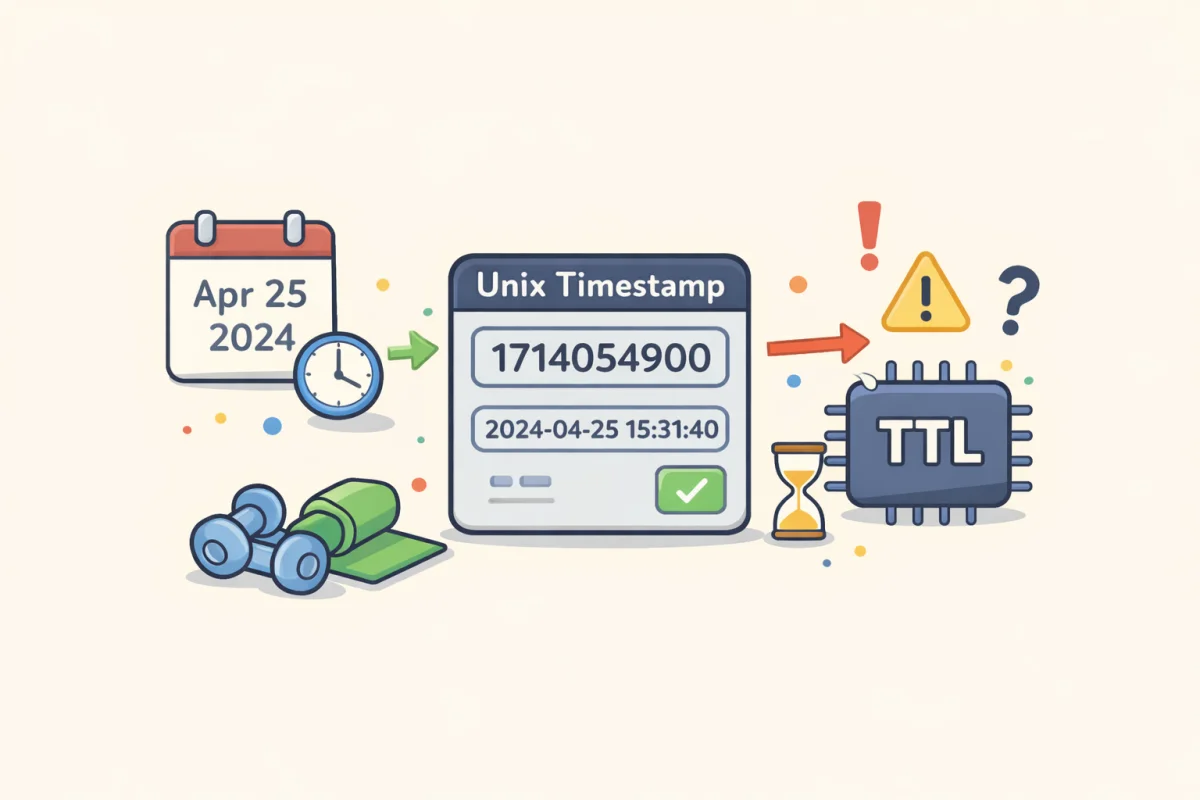
Unix Timestamps in Databases — Storage, Querying, and Best Practices
Most database schemas need to store dates and times. The choice is usually between storing a Unix timestamp (integer seconds since 1970) or using a native datetime column type. Both work. The differences show up in how you query, sort, compare, and display the data — and in how much trouble you get into with timezone handling.
The Unix Timestamp Converter handles individual conversions. This article covers the database-level tradeoffs and how each major database handles both approaches.
Integer vs Native Datetime Column: The Core Tradeoff
Integer (Unix timestamp) storage:
- Column type:
INTorBIGINT - Stores: number of seconds (or milliseconds) since 1970-01-01 00:00:00 UTC
- Timezone: none — the integer is always UTC
- Arithmetic: trivial (
created_at > NOW_UNIX - 86400for "last 24 hours") - Readability: requires conversion to understand (
1714000000→ need to check what date this is)
Native datetime storage:
- Column type:
TIMESTAMP,TIMESTAMPTZ,DATETIMEdepending on database - Stores: structured date and time representation
- Timezone: varies by type and database (see below)
- Arithmetic: database-specific functions needed (
DATEDIFF,EXTRACT, interval arithmetic) - Readability: human-readable in a query result (
2024-04-25 11:46:40)
Neither is universally correct. The choice depends on your use case, query patterns, and how you handle timezones in your application.
PostgreSQL: TIMESTAMP vs TIMESTAMPTZ vs Integer
PostgreSQL has three practical options:
TIMESTAMP WITHOUT TIME ZONE — stores exactly what you give it. No timezone conversion. If you insert '2024-04-25 09:00:00' from a New York application server, that's what's stored — even though it represents 13:00 UTC. When you read it back, you get 2024-04-25 09:00:00 with no timezone context. Dangerous for any system where server timezone might change or where multiple timezones are involved.
TIMESTAMPTZ (TIMESTAMP WITH TIME ZONE) — always stores UTC internally, regardless of what you pass in. On write, PostgreSQL converts from the session's timezone to UTC. On read, it converts back to the session's timezone. This is the recommended type for most production use. The name is misleading — it doesn't store a timezone; it stores UTC and converts.
-- Session timezone: America/New_York (UTC-4)
INSERT INTO events (created_at) VALUES ('2024-04-25 09:00:00');
-- Stored as: 2024-04-25 13:00:00 UTC

SELECT created_at FROM events;
-- Returns: 2024-04-25 09:00:00-04 (converted back to session timezone)
BIGINT (Unix timestamp) — completely timezone-agnostic. The application is responsible for conversion. Useful when you want to bypass PostgreSQL's timezone handling entirely and control everything at the application layer.
-- Range query (last 7 days)
SELECT * FROM events WHERE created_at > EXTRACT(EPOCH FROM NOW())::bigint - 604800;

-- Convert to readable date
SELECT TO_TIMESTAMP(created_at) FROM events;
For most new PostgreSQL applications: use TIMESTAMPTZ. The timezone handling is correct, the type is readable, and PostgreSQL's datetime functions work directly with it.
MySQL: DATETIME vs TIMESTAMP vs INT
MySQL's naming is confusing because TIMESTAMP in MySQL is not the same as PostgreSQL's TIMESTAMPTZ.
DATETIME — stores the literal date and time you provide. No timezone conversion. Similar to PostgreSQL's TIMESTAMP WITHOUT TIME ZONE. Range: 1000-01-01 to 9999-12-31.
TIMESTAMP — stores UTC internally, converts to/from the connection's timezone on read/write. Similar to PostgreSQL's TIMESTAMPTZ. Range: 1970-01-01 00:00:01 UTC to 2038-01-19 03:14:07 UTC. The 2038 limit is the Year 2038 problem — MySQL's TIMESTAMP column type uses a 32-bit integer internally, so it hits the overflow date.
INT or BIGINT — manual Unix timestamp management. Avoids the 2038 problem because a BIGINT can store timestamps well beyond 2038.
-- 2038 problem with TIMESTAMP column
-- This will fail or be stored incorrectly:
INSERT INTO events (created_at) VALUES (FROM_UNIXTIME(2147483648)); -- Jan 19, 2038 + 1 second

-- INT/BIGINT approach avoids this
INSERT INTO events (created_at) VALUES (2147483648); -- stores fine
SELECT FROM_UNIXTIME(created_at) FROM events; -- converts for display
For MySQL applications with any data expected to survive past 2038: use DATETIME or BIGINT rather than TIMESTAMP.
SQLite: Everything Is Text or Integer
SQLite doesn't have native datetime types. It stores dates as:
- Text strings (ISO 8601 format:
'2024-04-25T11:46:40') - Integer (Unix timestamp)
- Real (Julian day number)
SQLite's date functions work with all three formats, but internally they're just text and numbers. The integer approach is natural for SQLite and avoids ambiguity:
-- Store as integer
CREATE TABLE events (created_at INTEGER);
INSERT INTO events (created_at) VALUES (strftime('%s', 'now'));

-- Query last 7 days
SELECT * FROM events WHERE created_at > strftime('%s', 'now') - 604800;

-- Display as human-readable
SELECT datetime(created_at, 'unixepoch', 'localtime') FROM events;
For SQLite applications, integer Unix timestamps are often the cleanest choice precisely because SQLite treats them natively and they avoid the string-parsing overhead of text datetime storage.
Common Queries: Integer vs Datetime Syntax
| Operation | Unix integer (PostgreSQL) | TIMESTAMPTZ (PostgreSQL) |
|---|---|---|
| Records in last 24 hours | WHERE ts > EXTRACT(EPOCH FROM NOW())::bigint - 86400 | WHERE ts > NOW() - INTERVAL '24 hours' |
| Records in last 7 days | WHERE ts > EXTRACT(EPOCH FROM NOW())::bigint - 604800 | WHERE ts > NOW() - INTERVAL '7 days' |
| Records from today | WHERE ts >= date_trunc('day', NOW()) (needs conversion first) | WHERE ts >= date_trunc('day', NOW()) |
| Group by day | Complex — convert then truncate | GROUP BY date_trunc('day', ts) |
| Human-readable display | TO_TIMESTAMP(ts) | ts (already readable) |
The integer approach requires more explicit conversion for date-truncation operations (grouping by day, week, month). Native datetime columns handle these more cleanly in SQL.
Which to Use: A Decision Guide
Use TIMESTAMPTZ (PostgreSQL) or DATETIME (MySQL) when:
- Your team writes a lot of SQL directly (queries are more readable)
- You need to group by day/week/month in database queries
- You want to use database-native time functions without conversion overhead
Use integer Unix timestamps when:
- You're using MySQL and need data beyond 2038
- Your application layer handles all timezone logic and you want to bypass database timezone handling
- You're using SQLite
- You're building an API where timestamps will be passed to JavaScript frontends (integers are unambiguous about scale once you document seconds vs milliseconds)
- You're storing very large volumes of timestamps and want compact storage (a 4-byte INT vs variable datetime representation)
Avoid mixing approaches within the same application. Having some tables with native datetimes and others with integer timestamps creates conversion overhead and cognitive switching cost for every developer on the team.
Whatever you store, document it: add a comment to the column definition specifying whether it's UTC Unix seconds, UTC Unix milliseconds, or a local datetime. Use the Unix Timestamp Converter to verify any specific timestamp values during debugging or data migration.