How to Plan a Home Office Layout
Most home offices are planned the same way: find a spare room or a corner, push a desk against a wall, and call it done.
That approach usually works well enough — until it does not. The chair faces a window and you squint at your screen all afternoon. The desk is far from the only power outlet and cables run across the floor. The room is technically functional but feels awkward, cramped, or hard to concentrate in.
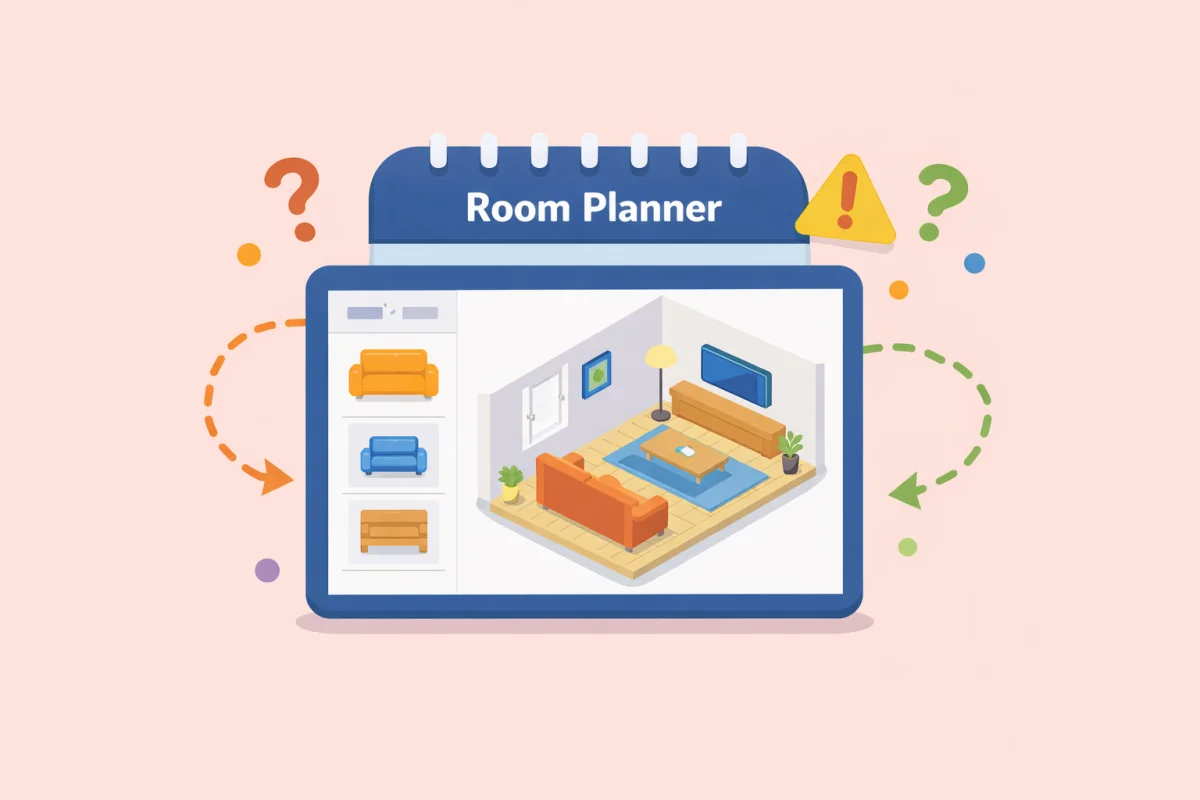
A little upfront planning prevents most of those problems. The Room Planner lets you test different layouts in 3D before you move anything, which matters more than people expect in smaller rooms where every placement decision affects the next one.
Start With How You Actually Work
Before measuring anything, be honest about what the room needs to do.
A home office that is used for occasional admin tasks has different requirements than one where someone works full-time every day. A shared office used by two people needs more planning than one used by one. A room that also stores files, printer supplies, and equipment needs storage built into the layout from the start.
Ask:
- How many hours a day will you work here?
- Do you take video calls regularly?
- Do you need space for paperwork, dual monitors, or equipment?
- Will anyone else use the room?
The answers change what the layout should prioritize. A full-time work setup needs more attention to ergonomics and lighting. A part-time office can tolerate more compromises.
Desk Placement: The Most Important Decision
Where the desk goes determines almost everything else in a home office layout.
Avoid facing a window directly
Sitting with a window directly in front of you means staring into the light source all day. This causes eye strain and makes your monitor harder to see, especially in the afternoon when sun angles change.
The best position is to have windows to your side — left or right. You get natural light without glare on your screen. If the only wall without a window is behind you, a window behind your back is better than one in front.
Consider the door
Sitting with your back to the door can be distracting. You cannot see who or what is entering the room without turning around. For people who are easily interrupted, facing the door or having it in peripheral vision reduces that friction.
Not everyone cares about this. But if you find yourself tensing up every time someone opens the door, desk position is probably part of the reason.
Think about cable management
Power outlets, ethernet ports, and monitor connections often anchor where the desk can go. A desk far from the power outlet means extension cords across the floor. That is manageable but creates a hazard and looks messy.
Check where outlets are before committing to a desk position. If the best ergonomic position also puts you close to power, use it.
Chair Clearance and Movement Space
A home office with a desk that fits but no room to push the chair back is not a functional workspace.
You need enough space behind the desk to pull the chair out fully, stand up, and move without immediately hitting a wall or another piece of furniture. A rough minimum is 90–100 cm of clear space behind the seated position.
If the room is tight, measure this before finalizing the desk position. A desk slightly smaller or placed differently may be necessary to make the room actually usable.
Lighting: Natural and Artificial
Natural light matters for energy, mood, and eye strain. But it needs to be positioned correctly (see desk placement above).
For artificial lighting, the overhead room light is rarely enough on its own for focused work. Direct overhead light often creates harsh shadows on the desk surface and does not light the workspace evenly.
What works better:
- A desk lamp positioned to the side (on the opposite side from your dominant hand, ideally)
- Bias lighting behind the monitor to reduce contrast fatigue
- Soft ambient light in the room rather than one bright overhead source
If you take regular video calls, lighting on your face matters. A window in front of you is actually useful for this — it acts as a natural key light. If that is not possible, a small LED panel or ring light positioned in front of you does the same job.
Storage: Plan It Into the Layout, Not Around It
Storage is the most frequently underestimated part of a home office layout.
Papers accumulate. Cables need somewhere to go. Printer paper, equipment, reference books, supplies — all of it needs a home. If storage is not built into the layout from the start, it tends to end up on every available surface, which makes the room feel chaotic and is harder to work in.
Options that work well in small spaces:
- Floating shelves above the desk use vertical space without taking floor space
- A filing cabinet that doubles as a side table next to the desk
- Closed storage (doors or drawers) reduces visual clutter compared to open shelving
Decide how much storage you need before finalizing the layout. A room that fits a desk but has nowhere to put anything is an incomplete plan.
Noise and Concentration
Layout affects noise more than most people realize.
A desk near a door picks up hallway sounds. A desk near a shared wall in an apartment picks up neighbor noise. A desk near a window picks up street sounds.
If the room has one quieter corner — often an interior wall, away from the street and away from the main living area — that is usually the best place for the desk from a concentration standpoint, even if it means some other compromise on light or space.
For video calls, background also matters. What appears on camera behind you is part of the layout decision. A wall, a bookshelf, or a simple backdrop behind you looks better than a window (which backlit you badly) or a cluttered storage area.
Testing the Layout Before Moving Furniture
Home office furniture is heavy and awkward to reposition repeatedly.
Testing a few arrangements in a room planner first takes a few minutes and often reveals problems that are not obvious from looking at the room. It is easy to visualize where the desk might go. It is harder to visualize whether the chair clearance works, or whether the second monitor blocks the natural light, or whether the storage unit you planned fits without blocking the door.
Use the Room Planner to map out the room dimensions and try different configurations. The isometric 3D view makes it easier to judge whether the room will feel cramped or functional before anything is moved.
A Practical Sequence for Planning a Home Office
1. Measure the room carefully, including door swing clearance and window positions 2. Note where the power outlets and ethernet ports are 3. Decide on the primary desk position based on light and cable access 4. Check that chair clearance works with that position 5. Plan storage based on what you actually need to store 6. Test a few variations in a room planner before committing 7. Move furniture
That order prevents the most common problem: placing the desk first because it seemed obvious, then discovering three pieces later that something does not fit or work.