How to Calculate a Visa or Permit Expiry Date
Getting the expiry date wrong on a visa or work permit isn't just an administrative inconvenience — it can mean overstaying a legal authorization period, which carries real consequences. Yet calculating the exact expiry date from a grant date is surprisingly easy to get wrong, because different visa types use different counting rules: some count calendar days, some count months, and some specify an exact end date on the visa stamp itself.
The Date Calculator handles the arithmetic directly — enter your grant date and add the authorized duration to get the precise expiry date. This article covers how the different counting rules work and where the common errors happen.
When the Expiry Date Is Printed on the Document
The simplest case: your visa or permit has a printed "valid until" date. In this case, there is nothing to calculate. The document is valid through the end of that date — typically meaning you can be present in the country until midnight at the end of the expiry day, though some jurisdictions interpret it as valid until the beginning of that day.
If your passport stamp says "admitted until April 30," you need to depart on or before April 30. Departing on May 1 is an overstay, regardless of what time on April 30 you originally intended to leave.
The ambiguity of "valid until" vs "valid through" is worth verifying with the issuing authority when the stakes are high.
Calculating Expiry from a Duration in Days
Tourist visas and short-stay authorizations are often granted for a fixed number of calendar days: 30 days, 60 days, 90 days within 180 days, and so on. The count typically starts from the date of first entry, not the date the visa was issued.
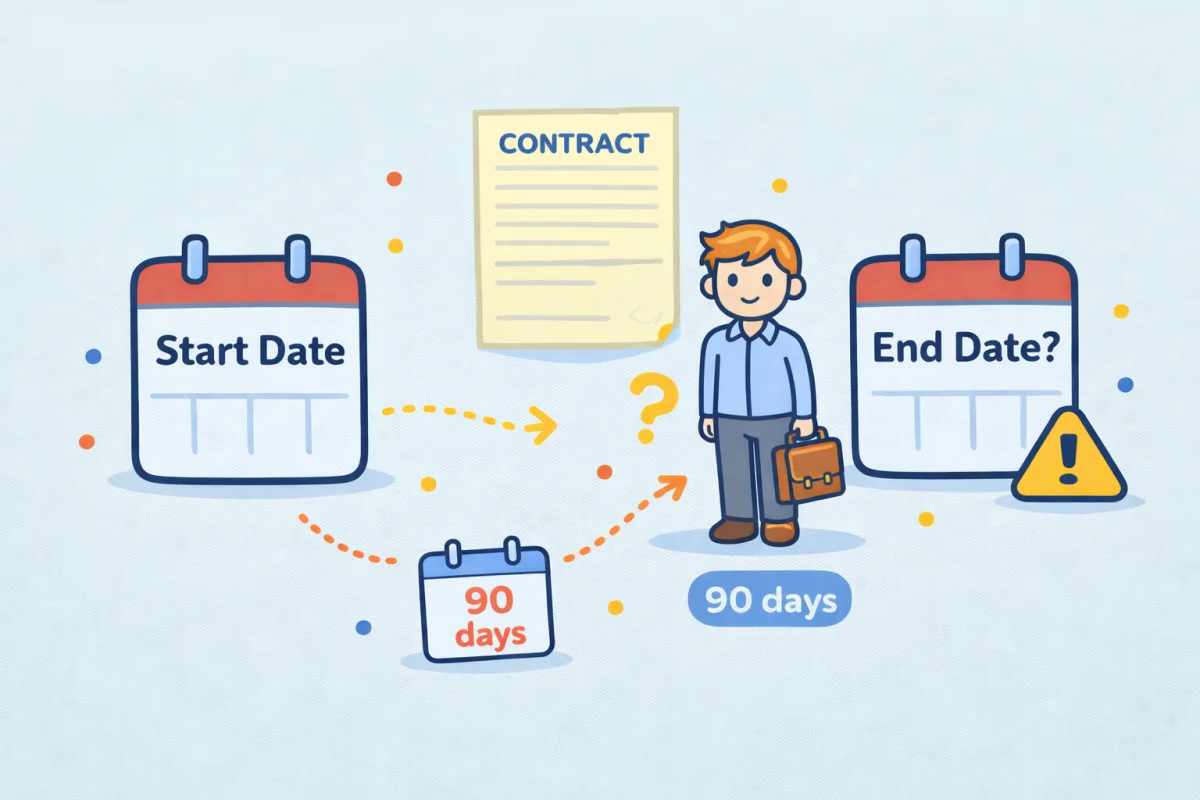
The calculation is straightforward: add the number of authorized days to the entry date. If you entered on March 10 and were authorized for 90 days:
- March 10 + 90 days = June 8
That means June 8 is your last authorized day. You need to depart by end of day on June 8. June 9 is the first day of overstay.
Use the Date Calculator for this — enter the entry date, add the number of days, and read the result. Don't try to count manually across months of different lengths; it's easy to be off by one.
The Schengen 90/180 Rule
The Schengen area adds complexity: you can stay up to 90 days within any rolling 180-day period. This isn't a single 90-day block from entry — it's a moving window. On any given day, the last 180 calendar days are examined, and your total presence in the Schengen area within those 180 days must not exceed 90.
This means you can't simply calculate "90 days from first entry." You need to track your actual presence days across the full 180-day window. If you left and re-entered, only the days you were physically present in the Schengen area count against your 90. The Days Between Dates tool is useful for calculating the span of any specific stay within the window.
Calculating Expiry from a Duration in Months
Work permits, residence permits, and longer-stay visas are often expressed in months or years: a 12-month work permit, a 2-year residence visa, a 6-month student authorization.
When you add months to a date, the result is the same calendar day in the target month — not a fixed number of days. A 12-month permit starting April 7, 2026 expires on April 7, 2027. That span contains either 365 or 366 days depending on whether February 29 falls within it, but the expiry date is always April 7 of the following year.
This is where manual counting frequently goes wrong. People convert months to days (assuming 30 days/month) and end up with a date that's off by a few days. For a 6-month visa starting August 31, the expiry is February 28 (or 29 in a leap year) — not March 2. This is end-of-month clamping: when the source day doesn't exist in the target month, you land on the last valid day of that month.
Examples:
- 6 months from August 31 → February 28 (non-leap year)
- 3 months from November 30 → February 28 (non-leap year)
- 1 month from January 31 → February 28 (non-leap year)
The Date Calculator applies this clamping correctly. Enter the start date, add the number of months, and the result accounts for month-end edge cases automatically.
Counting the First Day: Inclusive or Exclusive?
One of the most common sources of error is whether the grant date itself counts as day 1. This varies by jurisdiction and visa type.
Day 1 = grant date (inclusive counting): If you enter on April 7 and have a 30-day visa, day 30 is May 6. Your authorized period expires on May 6.
Day 1 = day after entry (exclusive counting): If you enter on April 7 and have a 30-day visa, day 1 is April 8, and day 30 is May 7. Your authorized period expires on May 7.
The difference is one day — which can matter if you're cutting it close. Immigration authorities typically specify which counting method applies. When in doubt, assume inclusive counting and depart one day earlier than you calculate.
Work Permit Start and End Date Alignment
Work permits issued for employment often have a start date tied to an employment contract, not to the date of issue. The permit may be valid "from [contract start date] for 12 months" — which means the expiry date is exactly 12 months after the contract start, not 12 months after the permit was issued or approved.
This distinction matters when your employment start date and permit issue date don't align. If your contract starts April 1 and the permit was issued and received March 15, your permit still runs from April 1.
If you switch employers mid-permit, the same logic applies: a new permit issued for a new employer has its own start and end dates based on the new employment contract, not on the remaining validity of your previous permit.
Building a Reminder System from the Expiry Date
Once you have the correct expiry date, work backwards to set reminders:
- 90 days before expiry: Check whether renewal applications need to be started (many permits require submission 60–90 days in advance)
- 60 days before expiry: Begin gathering renewal documents if not already done
- 30 days before expiry: Confirm application is in progress or submitted
- 2 weeks before expiry: Verify status; escalate if no decision received
For multi-year permits that renew annually, add the renewals to your calendar at the time you receive the initial grant. A 2-year permit expiring April 7, 2028 needs a renewal reminder by January 7, 2028 at the latest — add that date to your calendar now.
The Date Calculator can calculate each of these reminder dates as well. Start with the expiry date, subtract 90 days, subtract 60 days, and so on, and you have a full set of dates to calendar.
The Difference Between Visa Validity and Authorized Stay
These two things are often confused. A visa may be valid for 10 years but authorize a stay of only 90 days per entry. The validity period tells you when you can use the visa to enter. The authorized stay tells you how long you can remain after each entry.
A US B-2 tourist visa, for example, is often issued with a 10-year validity. But each entry is typically authorized for 6 months (180 days), determined by the officer at the port of entry. The visa expiry in 2034 doesn't mean you can stay until 2034 — it means you can use the visa to request entry until 2034, and each approved entry will have its own authorized stay period.
Calculate the authorized stay from each entry date, not from the visa expiry. The two dates are independent.
Getting the expiry date right on an immigration document is a matter of applying the correct counting rule to the correct start date. The arithmetic itself is simple — the Date Calculator handles it in seconds. The harder part is knowing which rules apply to your specific document and jurisdiction, which is always worth confirming directly with the issuing authority.