Hours to Days Guide: How to Convert Work Time, Project Time, and Time Off Correctly
Time conversion looks simple until a practical decision depends on it.
A project estimate is given in hours. A manager wants the answer in days. Paid time off is tracked one way in HR software and another way in conversation. A freelancer quotes effort in hours, but the client thinks in workdays.
That is why people regularly search for hours to days, how many days is 40 hours, and convert work hours to days. The math is easy. The part that causes confusion is deciding what kind of “day” you actually mean.
The Basic Conversion: Hours to Days
In pure time math:
1 day = 24 hours
So:
24 hours = 1 day48 hours = 2 days72 hours = 3 days
That is the standard calendar-time conversion.
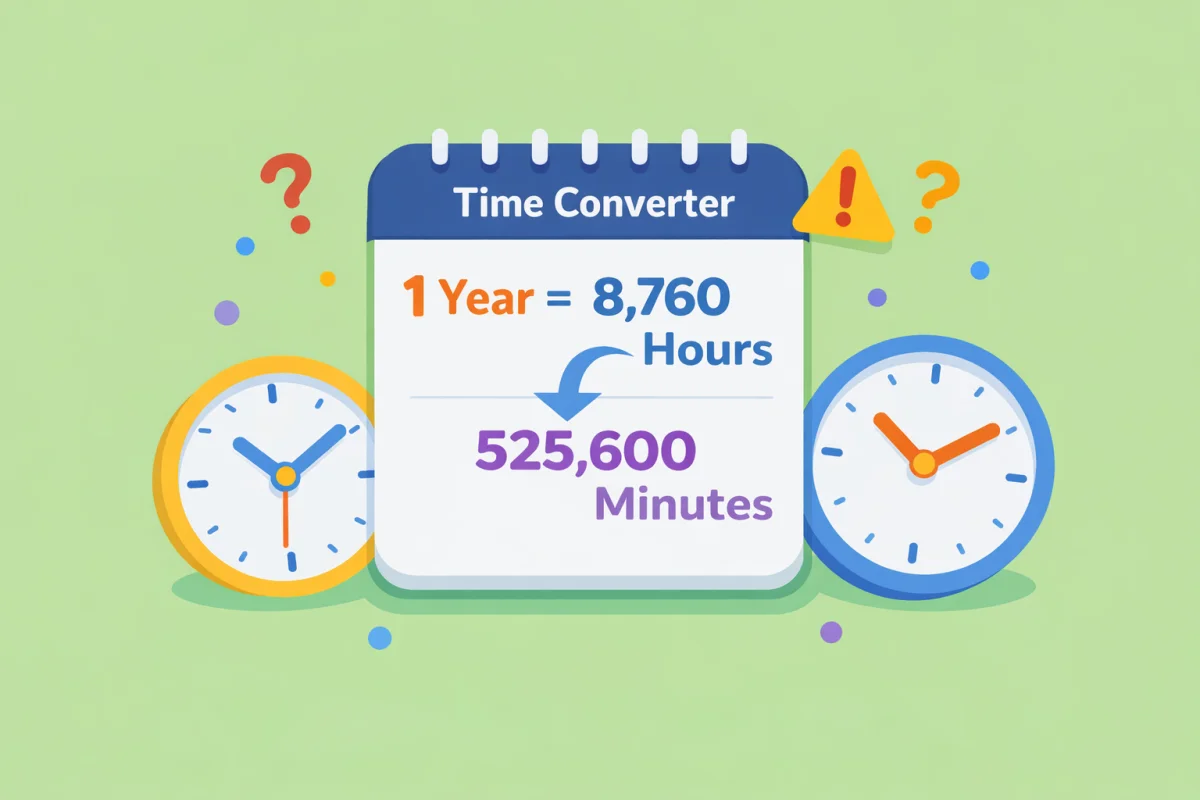
If you want an exact conversion between time units, the Time Converter gives you the direct answer.
Why Hours to Days Gets Confusing in Real Work
Most people are not actually asking about calendar days when they search for this.
They are asking about:
- Workdays
- Business days
- Shift time
- PTO or leave balance
- Project effort
That changes the meaning entirely.
For example:
24 hoursis 1 calendar day24 working hoursmay be 3 workdays if the workday is 8 hours
Same number. Very different planning outcome.
Calendar Days vs Workdays
This is the distinction that matters most.
Calendar day conversion
Use this when you literally mean elapsed time:
24 hours = 1 day36 hours = 1.5 days60 hours = 2.5 days
Workday conversion
Use this when you mean labor time or scheduled time:
- If
1 workday = 8 hours 16 hours = 2 workdays24 hours = 3 workdays40 hours = 5 workdays
That is why project estimates and HR calculations often sound inconsistent. People use the word “day” without specifying whether they mean a calendar day or an 8-hour workday.
Common Hours to Days Conversions People Look Up
Here are the conversions that show up most often:
| Hours | Calendar days | 8-hour workdays |
|---|---|---|
8 | 0.33 days | 1 workday |
16 | 0.67 days | 2 workdays |
24 | 1 day | 3 workdays |
32 | 1.33 days | 4 workdays |
40 | 1.67 days | 5 workdays |
80 | 3.33 days | 10 workdays |
This table alone clears up most practical confusion.
How Many Days Is 40 Hours?
This is one of the most common search queries, and the answer depends on context.
If you mean pure time:
40 hours = 1.67 calendar days
If you mean a standard work schedule:
40 hours = 5 workdays
That is why a sentence like “this task will take 5 days” can mean completely different things depending on the speaker.
Why This Matters in Project Planning
Project estimates often start in hours because they are easier to scope accurately. Stakeholders then ask for days because days are easier to picture on a schedule.
That translation creates problems when:
- Someone assumes 1 day means 24 hours
- Someone else assumes 1 day means 8 work hours
- Meetings, context switching, and review time are ignored
So if you are converting project effort from hours to days, the real question is not only how to convert the number. It is what kind of day the plan uses.
Why It Matters for PTO and Leave Tracking
Paid time off often creates the same confusion.
A system may show:
24 hours of PTO remaining
An employee hears:
- “I have 3 days left”
That only makes sense if the company uses 8-hour days. If the schedule is 10-hour shifts or part-time hours, the result changes.
This is why time conversion is useful in HR contexts too, not just for engineering or scheduling.
Common Mistakes People Make
1. Treating Every Day as 8 Hours
That is only true in a standard work-schedule context. It is not true for elapsed time.
2. Treating Every Day as 24 Hours
That is mathematically true for calendar time, but often wrong for project effort, staffing, leave, and billing.
3. Ignoring the Schedule Behind the Number
Shift workers, part-time roles, compressed schedules, and contract work all change what a “day” means in practice.
4. Rounding Too Early
If a task is 14 hours, calling it “2 days” may be reasonable for calendar planning but inaccurate for actual work allocation. The same number needs different treatment depending on the decision being made.
When to Use a Time Converter
Use a converter when:
- You need clean unit math
- You are switching between minutes, hours, days, and weeks
- You want to standardize project estimates
- You need exact values before rounding for communication
The Time Converter is the fastest way to move between units without doing repeated manual math.
Quick Practical Rules
If you want the short version:
- Use 24 hours = 1 day for elapsed time
- Use 8 hours = 1 workday for standard office planning
- Always state which meaning of “day” you are using when other people depend on the number
That last rule prevents most avoidable confusion.
Final Takeaway
Converting hours to days is only simple when the context is clear. For calendar time, divide by 24. For work schedules, divide by the length of the workday, which is often 8 hours but not always.
If the number is going into a plan, estimate, or leave calculation, define the type of day first and convert second. Use the Time Converter when you need the exact unit conversion before you round it for real-world communication.