
Room layout planner
Design your room layout online. Set room dimensions for metres, drag and drop furniture, and visualise your space for free.
Share dis tool
Put am for your site
Related tools
Frequently asked questions
How I go take use the room planner?
Put your room width and depth for metres, then choose floor material. Pick furniture from the palette — dem arrange am for Seating, Tables, Bedroom, Storage, Decor, and Bathroom categories — then click the canvas make you place each item. Drag am make you reposition, use the rotate handle change the direction, and use undo go back step by step for your changes. When you don finish, export or print the layout.
Which unit the room planner dey use?
The planner dey use metres. Put your room width and depth for metres. If your measurement dey feet and inches, convert am first — for example, room wey be 12 × 10 ft na about 3.66 × 3.05 m. The canvas dey render to scale so the furniture placement go match real dimensions.
How much space I suppose leave around furniture?
As general guide: at least 90 cm space for main walkways, minimum 60 cm for each side of double bed, 90 cm around dining table for where chair dey pull out, and 75–90 cm for front of wardrobe and dresser make door fit open well. The room planner scale canvas make am easy to check these spaces before you move anything for real life.
I fit rotate furniture for the planner?
Yes. Select the furniture wey you don place, then use the rotate control change how e face. Rotating dey useful well‑well if you wan try bed or sofa for different walls, or you wan fit desk inside corner for angle.
I fit save or export my room layout?
Yes. Use the export button save the layout as image, or use the print button send am to printer. Floor plan wey you print or save dey useful to share with partner, furniture seller, or moving company so everybody go understand the arrangement before moving day.
Room planner dey work for mobile?
Yes. Touch input dey supported. For small screen, landscape mode and zoom controls go make the canvas easier to use. Place and drag furniture with touch the same way you go do am with mouse for desktop.
Related articles
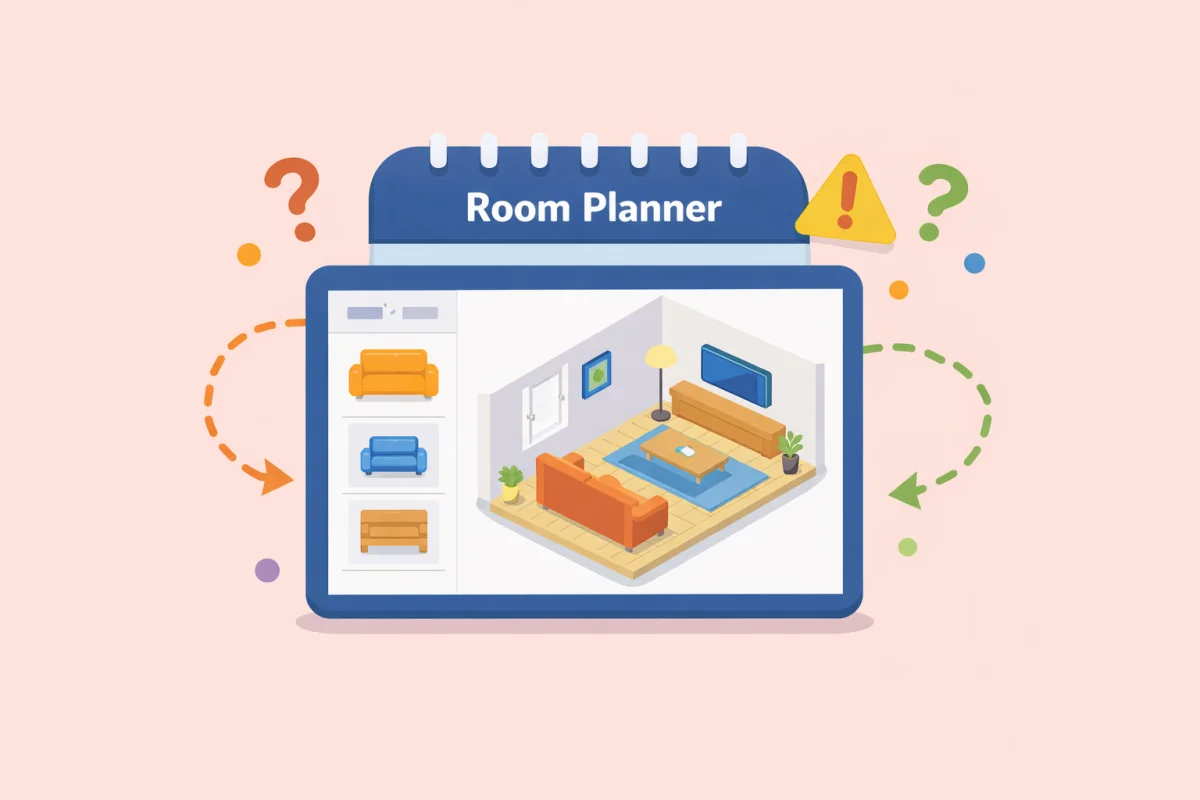 How to arrange long narrow room — furniture set-up wey dey work
Long narrow room na one of the hardest layout to furnish well. See how to use furniture placement, small visual tricks, and proportion to make am feel balanced and useful.
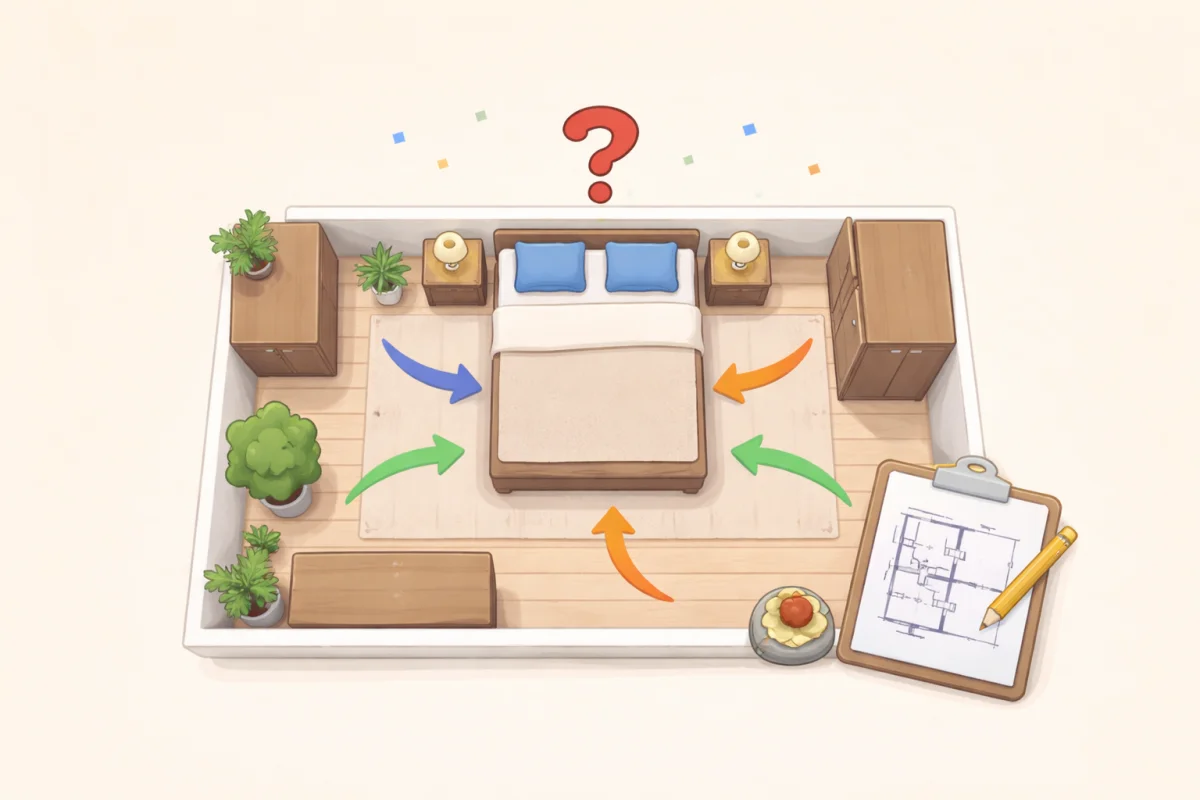 How to Plan a Bedroom Layout That Actually Works
Bedroom suppose feel calm, easy to use, and easy to move through. Dis guide explain how to plan bedroom layout wey go work before you buy or move furniture.
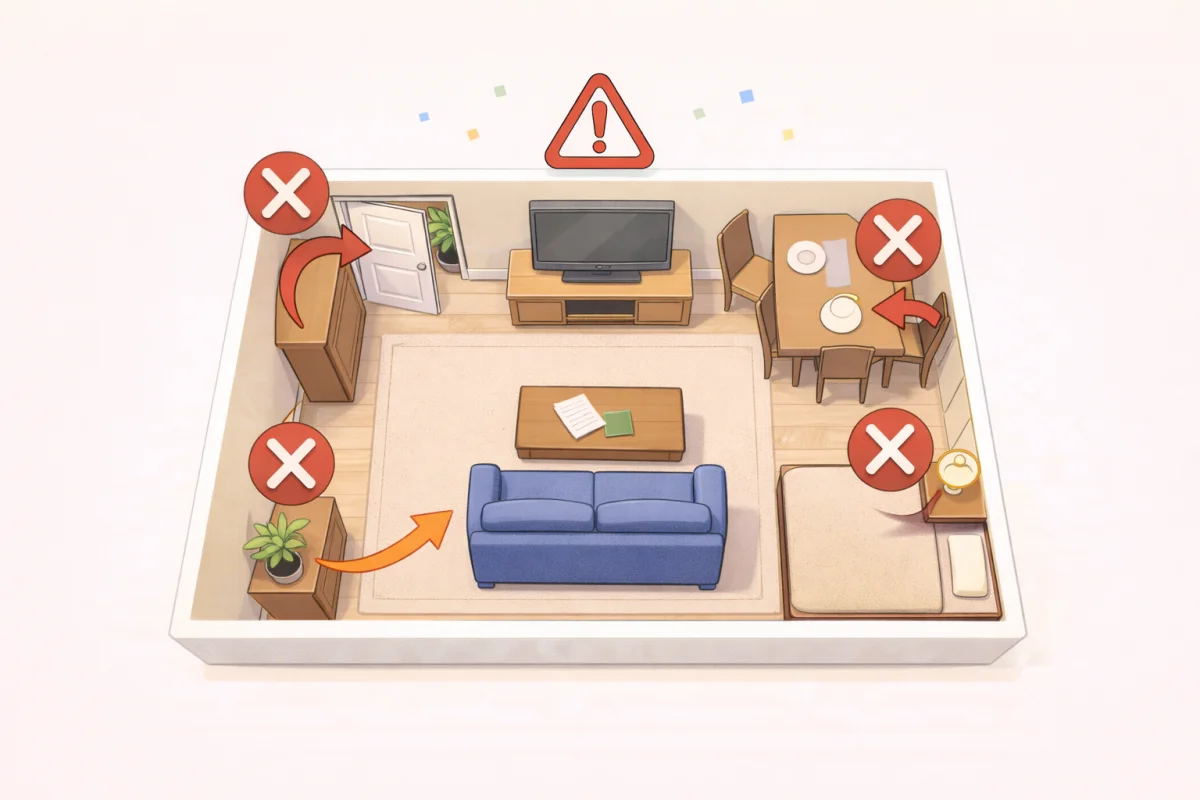 Small Room Layout Mistakes Weh You Supposed Avoid Before You Move or Buy Anything
Small rooms dey tight quick if layout no correct. This guide explain the common small-room layout mistakes and how to plan space wey go work better before you buy furniture.